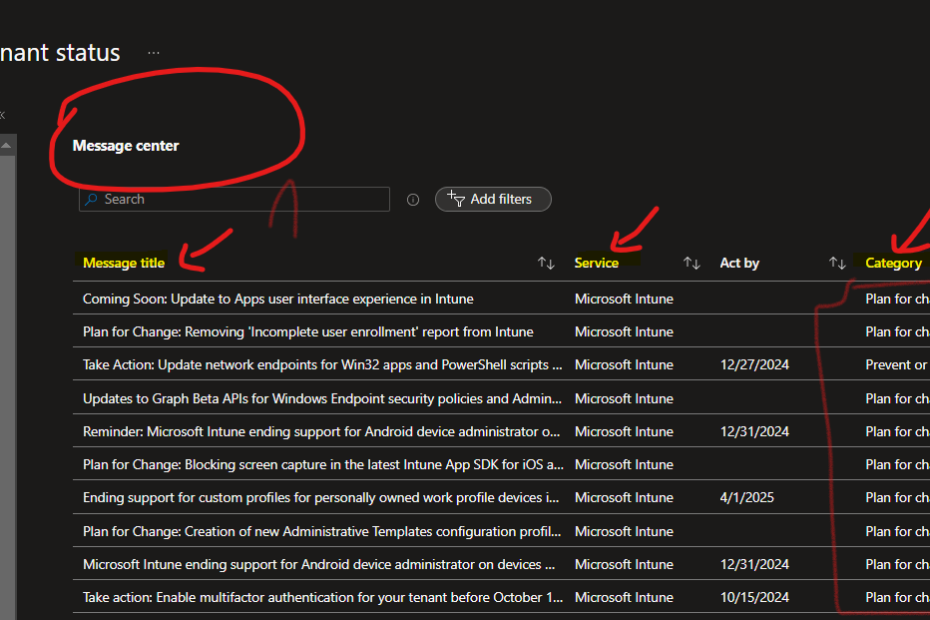
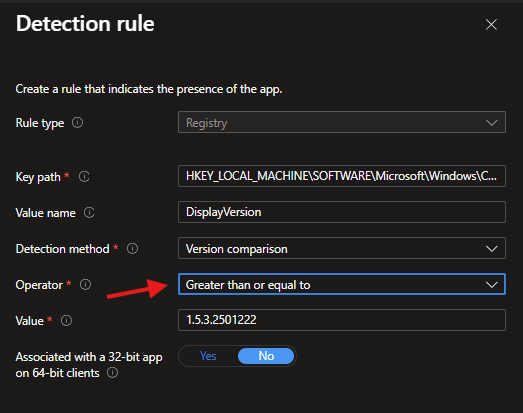
Keeping track of configuration changes inside Microsoft Intune can feel like chasing ghosts. One day a policy behaves normally, the next day something is different, and no one knows who touched what.
Instead of spending your mornings digging through logs, here’s a much cleaner solution:
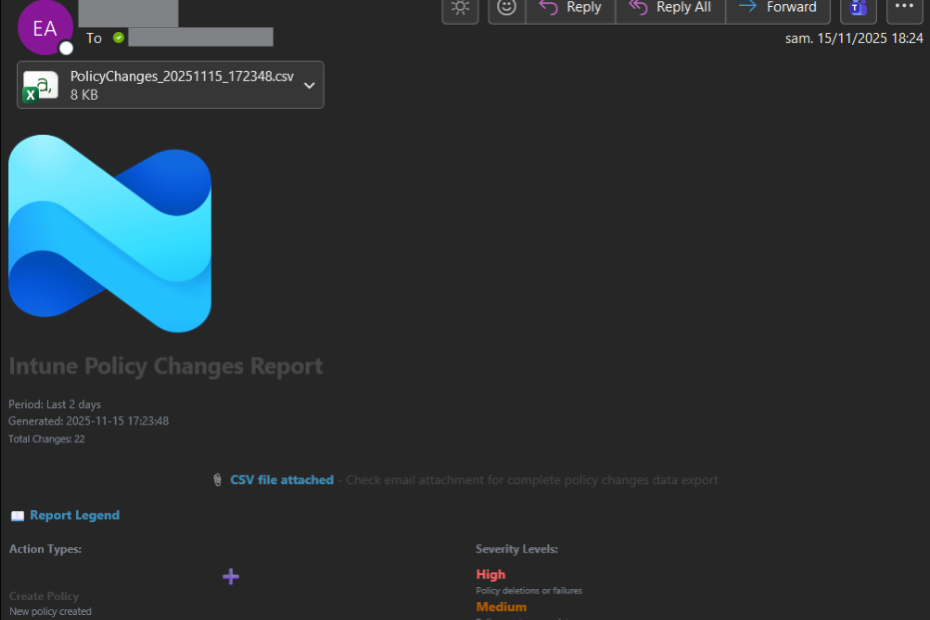
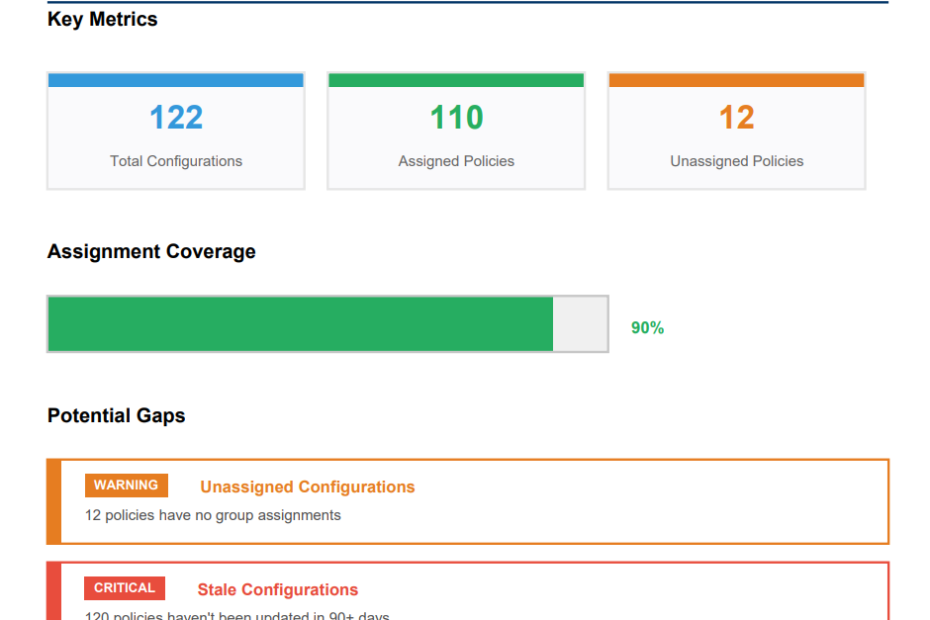
A fully automated Intune change alert system using Azure Automation, Managed Identity, and Microsoft Graph.
This guide shows you every technical detail, every permission, every command, and the full working script — ready for production.
If you want real-time visibility of every Intune modification, this is the way.



![Solution: Deletion via Microsoft Graph Explorer Step 1: Identify the device object ID Render Find the affected device and note its Object ID . Step 2: Use Microsoft Graph Explorer to find the object Go to [Microsoft Graph Explorer] Log in with an account that has Global Admin and Device.ReadWrite.All permissions . Perform a query GET using the device object ID: https://graph.microsoft.com/v1.0/devices/{ObjectID} Replace {ObjectID} with the copied ID.](https://msendpoint.com/wp-content/uploads/2025/01/image-8-930x620.png)