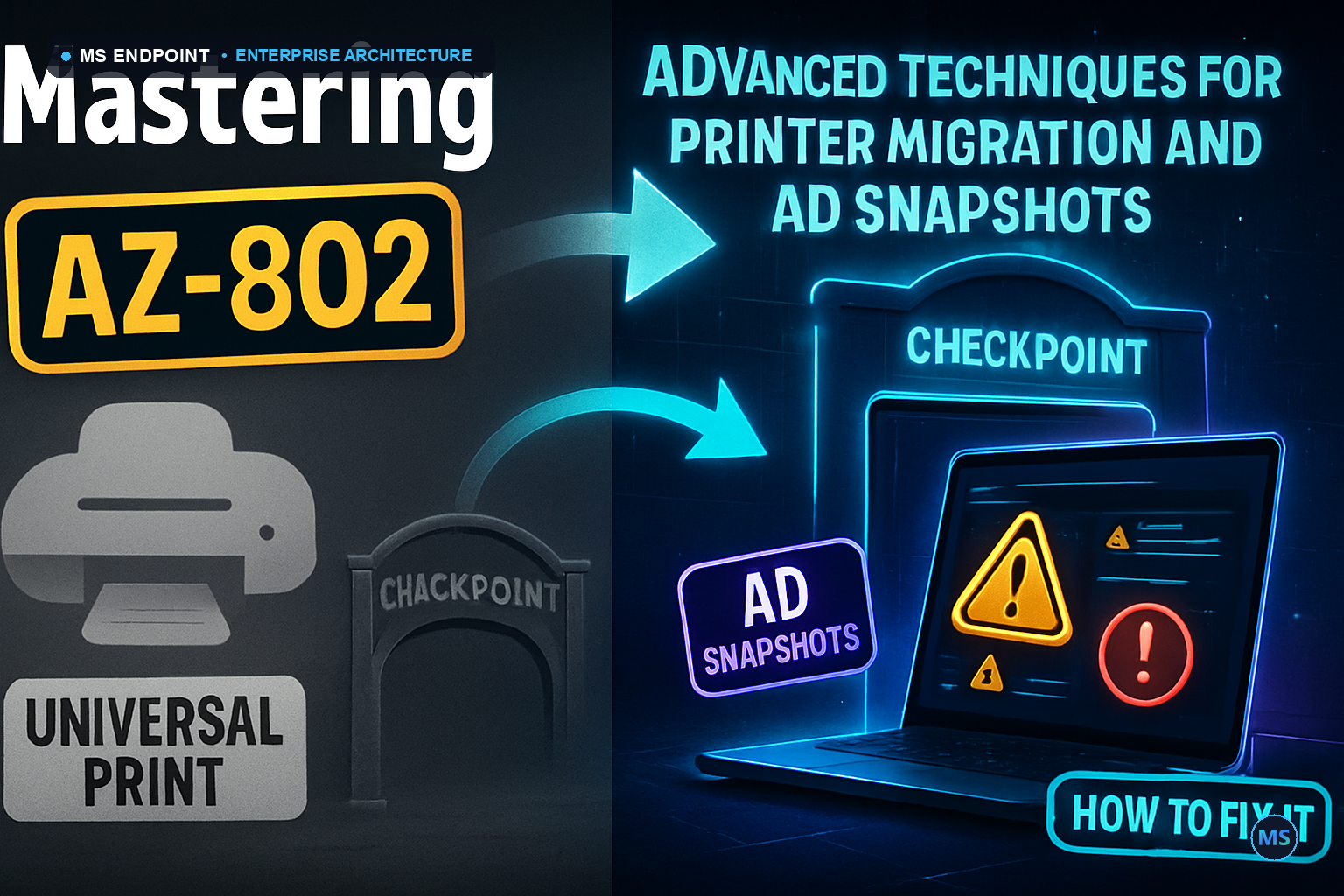
Navigating the intricacies of AZ-802 requires more than a theoretical understanding of Azure and on-premises integration. The exam tests the real-world agility of solutions like Universal Print migration and AD snapshots in environments that demand unwavering reliability. The central challenge pivots around orchestrating seamless printer migrations and ensuring directory service resilience without interrupting critical business processes. While Microsoft solutions like Universal Print offer substantial elimination of on-prem print servers, the architectural deltas in adopting these new paradigms are often underestimated.
Under the Hood: Execution Engine & Mechanics
Let's dissect these solutions from the ground up. Universal Print leverages Azure AD to register printers, removing the need for traditional print servers. The migration process involves the installation of the Universal Print connector on local machines, acting as a bridge between legacy systems and cloud-native solutions. This setup requires meticulous configuration to avoid potential pitfalls in network bandwidth and printer compatibility.
Useful Script Snippet:
Underneath, Active Directory snapshots operate via the `Ntdsutil` utility to create volume shadow copies that could be mounted and navigated using LDAP tools, a method essential for AD DS integrity checks and rollback scenarios.
Figure: Schematic showing the flow from Client Device to Universal Print and Azure AD, outlining cloud orchestration.
Enterprise Edge Cases & Scale Gotchas
What if you're scaling to 10,000 devices and the print fleet involves multiple vendors? Uniformity across models could become a bottleneck unless meticulously planned. Network latency and hybrid environments harnessing both on-prem AD and Azure AD complicate the landscape. Below is a table highlighting key considerations across settings and configurations essential for large-scale deployments.
Aspect
Detail
Risk Mitigation
Printer Model Compatibility
Canonical models vary
Regular updates
Network Bandwidth
High-volume impact
QOS Policies
Hybrid Identity
Sync issues
Adopt hybrid policies
Production Implementation & Automation
To roll out these features in a production environment without hitches, a solid command of Microsoft.Graph v2 interfaces is necessary for Windows service management. Below is a production-grade script template for managing Azure-based printing:
The decision to implement Universal Print must weigh bandwidth impacts and directly access self-service alleviations. AD snapshots remain unparalleled for rollback operations, but a modern equivalent in AD DS backup procedures might negate the need entirely. Alternate mechanisms like Settings Catalog allow broader policy management but still do not replace the unique versatility offered by direct scripting and PowerShell automation.
Was this article helpful?
🎯
MSEndpoint Academy
Assess Your Microsoft 365 & Intune Skills (MD-102)
100% Free • 5 Min
Applying this guide in production? Test your technical readiness against real exam scenarios from Microsoft 365 Certified: Endpoint Administrator (MD-102). Identify your strengths and knowledge gaps instantly.
💡 Express Knowledge CheckQuestion 1 of 10
Which official utility is required to convert a Win32 application installer (.exe) into the package format (.intunewin) for deployment via Microsoft Intune?
Souhaiel Morhag is a Microsoft Intune and endpoint management specialist with hands-on experience deploying and securing enterprise environments across Microsoft 365. He founded MSEndpoint.com to share practical, real-world guides for IT admins navigating Microsoft technologies — and built the MSEndpoint Academy at app.msendpoint.com/academy, a dedicated learning platform for professionals preparing for the MD-102 (Microsoft 365 Endpoint Administrator) certification. Through in-depth articles and AI-powered practice exams, Souhaiel helps IT teams move faster and certify with confidence.