← Back to articles Entra

Enrolling & Joining Linux Ubuntu to Active Directory and Microsoft Intune: SSSD, Realmd & Endpoint Management

Enrolling & Joining Linux Ubuntu to Active Directory and Microsoft Intune: SSSD, Realmd & Endpoint Management

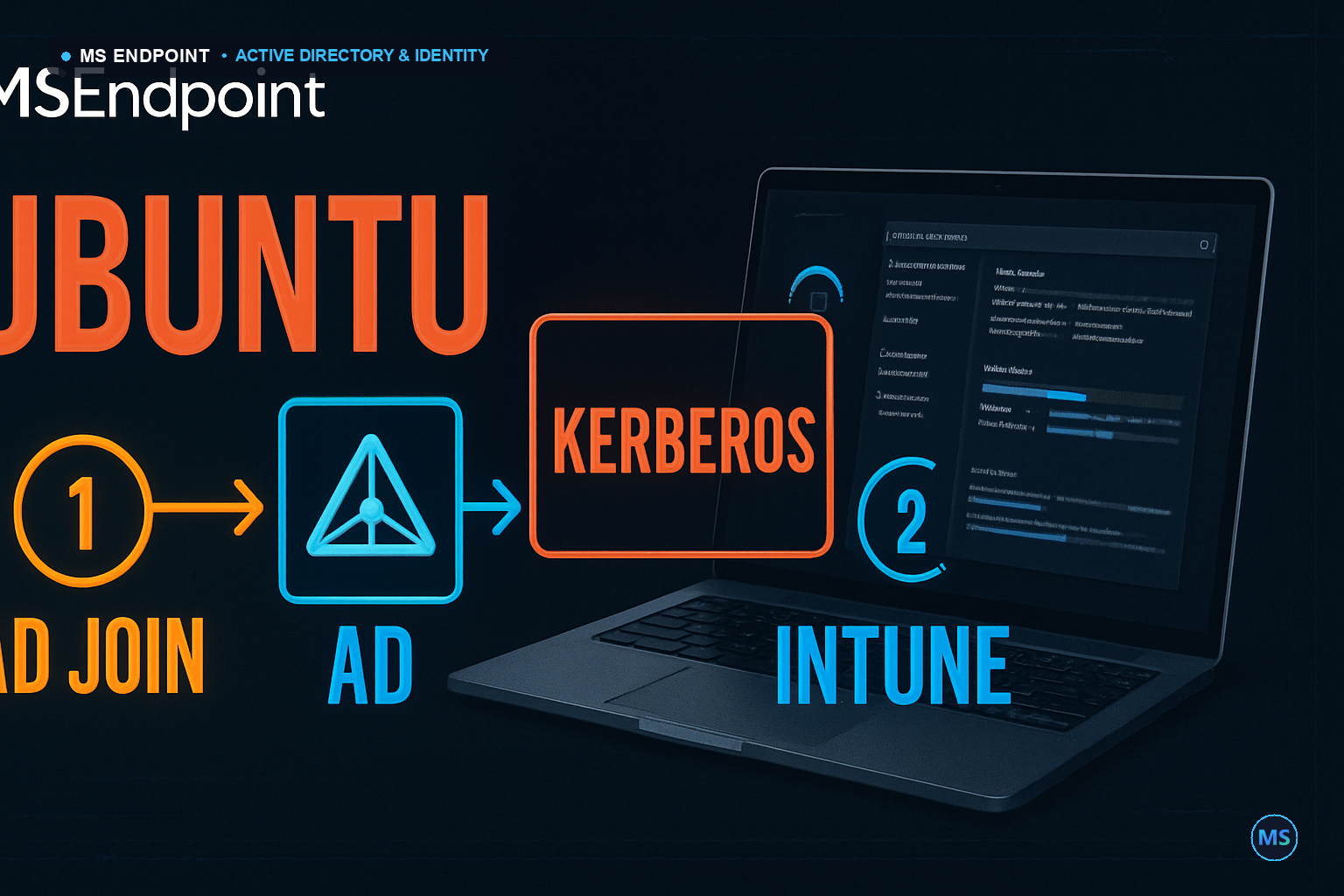
While Windows and macOS dominate standard enterprise endpoints, specialized engineering, DevOps, and data science teams increasingly deploy Ubuntu Linux workstations. Bringing Linux under enterprise identity and compliance governance requires two distinct integrations: joining on-premises Active Directory via SSSD & Realmd for Kerberos authentication, and enrolling in Microsoft Intune for Linux for Conditional Access compliance evaluation.

🐧 Ubuntu Linux OS 22.04 / 24.04 LTS Realmd / SSSD 🏢 Active Directory Kerberos KDC (Port 88) LDAP Discovery ☁️ Microsoft Intune Microsoft Intune App Edge for Linux SSO 🛡️ Conditional Access Disk Encryption / OS Pass Compliant State FIGURE 1: LINUX UBUNTU ENTERPRISE HYBRID ARCHITECTURE
Figure 1: Linux Ubuntu AD Domain Join & Microsoft Intune Enrollment Workflow.

Step 1: Joining Ubuntu to Active Directory with Realmd & SSSD

# 1. Install Realmd and SSSD packages
sudo apt update && sudo apt install -y realmd sssd sssd-tools adcli krb5-user packagekit samba-common-bin

# 2. Discover Domain Controller
sudo realm -v discover corp.contoso.com

# 3. Join the Domain (Enter Domain Admin credentials)
sudo realm join -v -U admin_user corp.contoso.com --install=/

# 4. Enable automatic home directory creation on login
sudo pam-auth-update --enable mkhomedir

# 5. Allow all domain users or specific AD group
sudo realm permit -g "Domain Users"

Step 2: Enrolling Ubuntu in Microsoft Intune

To enforce Conditional Access and ensure the Linux workstation is evaluated for full-disk encryption (LUKS) and minimum OS password complexity:

# Install Microsoft Intune App for Ubuntu
sudo apt install -y curl gpg
curl https://packages.microsoft.com/keys/microsoft.asc | gpg --dearmor > microsoft.gpg
sudo install -o root -g root -m 644 microsoft.gpg /etc/apt/trusted.gpg.d/
sudo sh -c 'echo "deb [arch=amd64] https://packages.microsoft.com/ubuntu/$(lsb_release -rs)/prod $(lsb_release -cs) main" > /etc/apt/sources.list.d/microsoft-ubuntu-$(lsb_release -cs)-prod.list'
sudo apt update
sudo apt install -y intune-portal microsoft-edge-stable

# Launch Intune Portal to complete Entra ID registration
intune-portal

Was this article helpful?

🎯
MSEndpoint Academy

Assess Your Microsoft 365 & Intune Skills (MD-102)

100% Free • 5 Min

Applying this guide in production? Test your technical readiness against real exam scenarios from Microsoft 365 Certified: Endpoint Administrator (MD-102). Identify your strengths and knowledge gaps instantly.

💡 Express Knowledge Check Question 1 of 10

Which official utility is required to convert a Win32 application installer (.exe) into the package format (.intunewin) for deployment via Microsoft Intune?

🔒 100% Free • 📊 Instant Scorecard • 🤖 AI Explanations
Take Full Diagnostic Exam (10 Questions) →

🎓 Ready to go deeper?

Practice real MD-102 exam questions, get AI feedback on your weak areas, and fast-track your Intune certification.

Start Free Practice → Book a Session
Souhaiel Morhag
Souhaiel Morhag
Microsoft Endpoint & Modern Workplace Engineer

Souhaiel Morhag is a Microsoft Intune and endpoint management specialist with hands-on experience deploying and securing enterprise environments across Microsoft 365. He founded MSEndpoint.com to share practical, real-world guides for IT admins navigating Microsoft technologies — and built the MSEndpoint Academy at app.msendpoint.com/academy, a dedicated learning platform for professionals preparing for the MD-102 (Microsoft 365 Endpoint Administrator) certification. Through in-depth articles and AI-powered practice exams, Souhaiel helps IT teams move faster and certify with confidence.

Related Articles

Popular on MSEndpoint