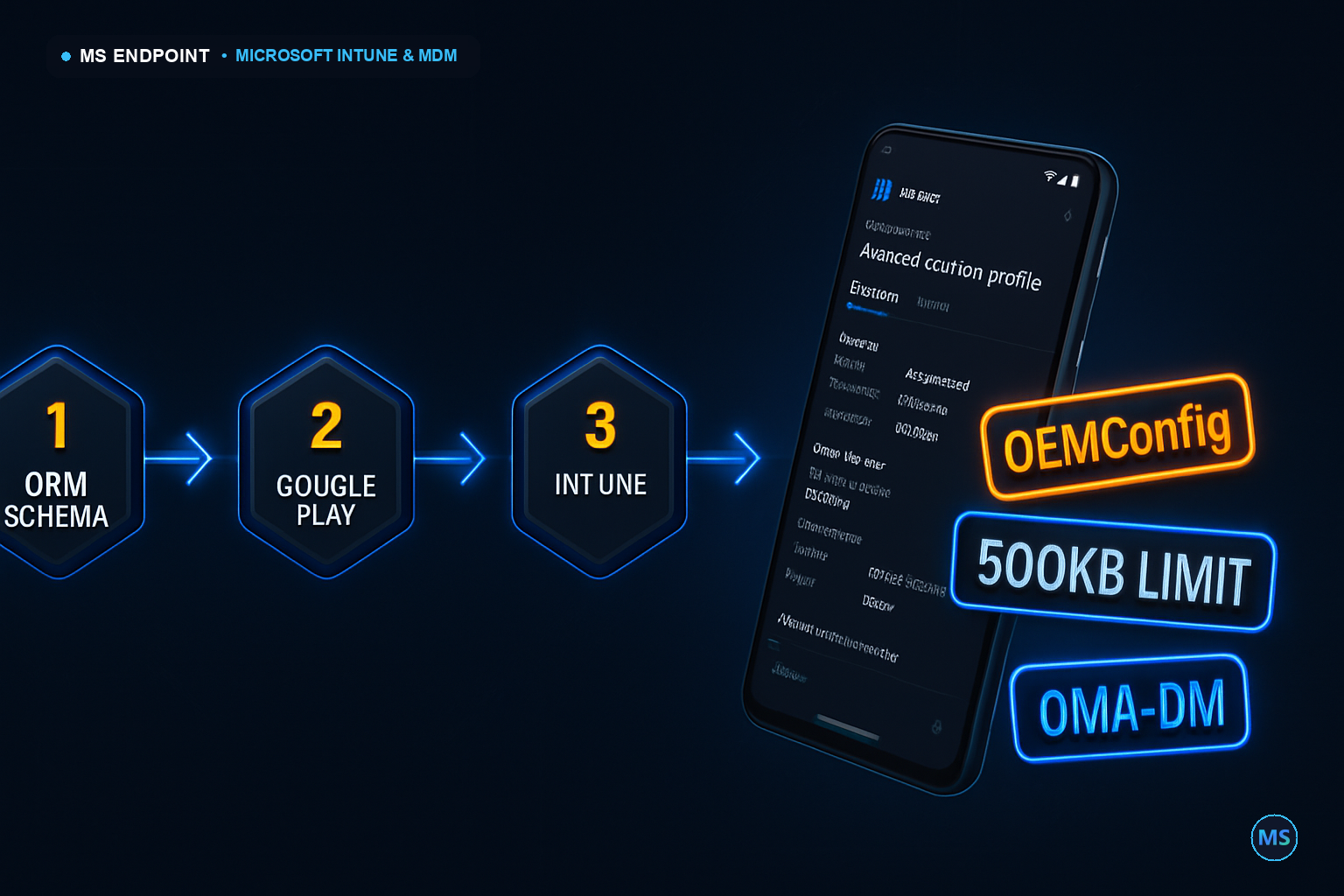
When integrating OEMConfig policies for Android Enterprise within Microsoft Intune, many enterprises hit a practical roadblock: the static 500KB profile size limit. This isn't just a number restriction. It dictates the complexity and granularity with which configurations can be constructed, directly influencing the fidelity of device policy distribution. Not often highlighted, this boundary compels architects to meticulously design their schema ingestion pipelines to accommodate intricate settings without overshooting capacity.
Figure: OEMConfig schema ingestion begins at the OEM, moves through Google Play to Intune, and finally configures devices independently via the OEMConfig app.
Under the Hood: Execution Engine & Mechanics
The OEMConfig ecosystem diverges from the typical Intune management extension flow, utilizing the OMA-DM CSP channel instead of the IME. Once an OEM publishes a schema, Intune parses and displays this in the admin console. Administrators dynamically configure settings without a traditional MDM agent, relying on the OEMConfig app as the execution agent. Each command payload, serialized into JSON, is conveyed over SyncML to the device, maintaining state transitions independent of the Intune real-time feedback loop.
Enterprise Edge Cases & Scale Gotchas
Managing an expansive fleet—10,000 devices or more—exacerbates complications, notably with network latency during the OMA-DM sync. Watch for communication breakdowns in intermittently connected environments, where prolonged timeouts might trigger sync retries and resultant duplicate payload application. Below is a table of critical GUIDs and schema keys that can define application-specific behaviors:
Setting/Node
Description
./Device/Vendor/MSFT/Policy/ConfigOperations
Primary config node for policy operations.
.system.google.collection
Manages collection of system data specific to OEM app needs.
Production Implementation & Automation
Let's automate profile deployments with PowerShell—leveraging MicrosoftGraph. Always annotate scripts with the required scopes and ensure graceful error handling. Use the Graph API for configurations and batch actions for large device sets:
OEMConfig is more than an alternative; it represents OEM-centric policy agility. Consider deploying OEMConfig against settings catalog profiles when rapid OEM feature inclusion outstrips conventional MDM updates. Opt for proactive remediation spin-ups where custom scriptable triggers can pre-emptively rectify OEM app integration issues, ensuring that precise configuration intent aligns with field operations. OEMConfig's strength lies in its decoupling from Intune's sequence, granting OEMs unilateral schema updates and enterprise rapid feature adoption.
Was this article helpful?
🎯
MSEndpoint Academy
Assess Your Microsoft 365 & Intune Skills (MD-102)
100% Free • 5 Min
Applying this guide in production? Test your technical readiness against real exam scenarios from Microsoft 365 Certified: Endpoint Administrator (MD-102). Identify your strengths and knowledge gaps instantly.
💡 Express Knowledge CheckQuestion 1 of 10
Which official utility is required to convert a Win32 application installer (.exe) into the package format (.intunewin) for deployment via Microsoft Intune?
Souhaiel Morhag is a Microsoft Intune and endpoint management specialist with hands-on experience deploying and securing enterprise environments across Microsoft 365. He founded MSEndpoint.com to share practical, real-world guides for IT admins navigating Microsoft technologies — and built the MSEndpoint Academy at app.msendpoint.com/academy, a dedicated learning platform for professionals preparing for the MD-102 (Microsoft 365 Endpoint Administrator) certification. Through in-depth articles and AI-powered practice exams, Souhaiel helps IT teams move faster and certify with confidence.