Mastering MS-102: Lab Preparation Strategies for Intune Certification
📅 October 2, 2026·⏱ 8 min read·✍️ Souhaiel MORHAG·👁 30 views·
MS-102Intunelab environmentMicrosoft 365
Architectural Premise & The Real-World Challenge
Configuring a lab environment for the MS-102 exam isn't just about following the guidebooks. The real challenge lies in creating a scalable, resilient setup that mirrors the complexities of enterprise scenarios. In practice, standard documentation overlooks the intricate dance between identity management, device compliance, and cloud service interactions. Enterprise-scale setups introduce challenges such as conditional access hinged on volatile Azure AD signals, enforcing relentless optimization in lab designs.
Under the Hood: Execution Engine & Mechanics
The cornerstone of Intune's management is its dual-channel architecture. The core components exploit both SyncML/OMA-DM via the MDM Client and the Intune Management Extension (IME) for Win32 app deployments. Precise configurations emerge pivotal here; understanding the role of registry keys like `HKLM:\SOFTWARE\Microsoft\Intune` and JSON payload synchronizations through Graph API strengthens lab preparation tactics.
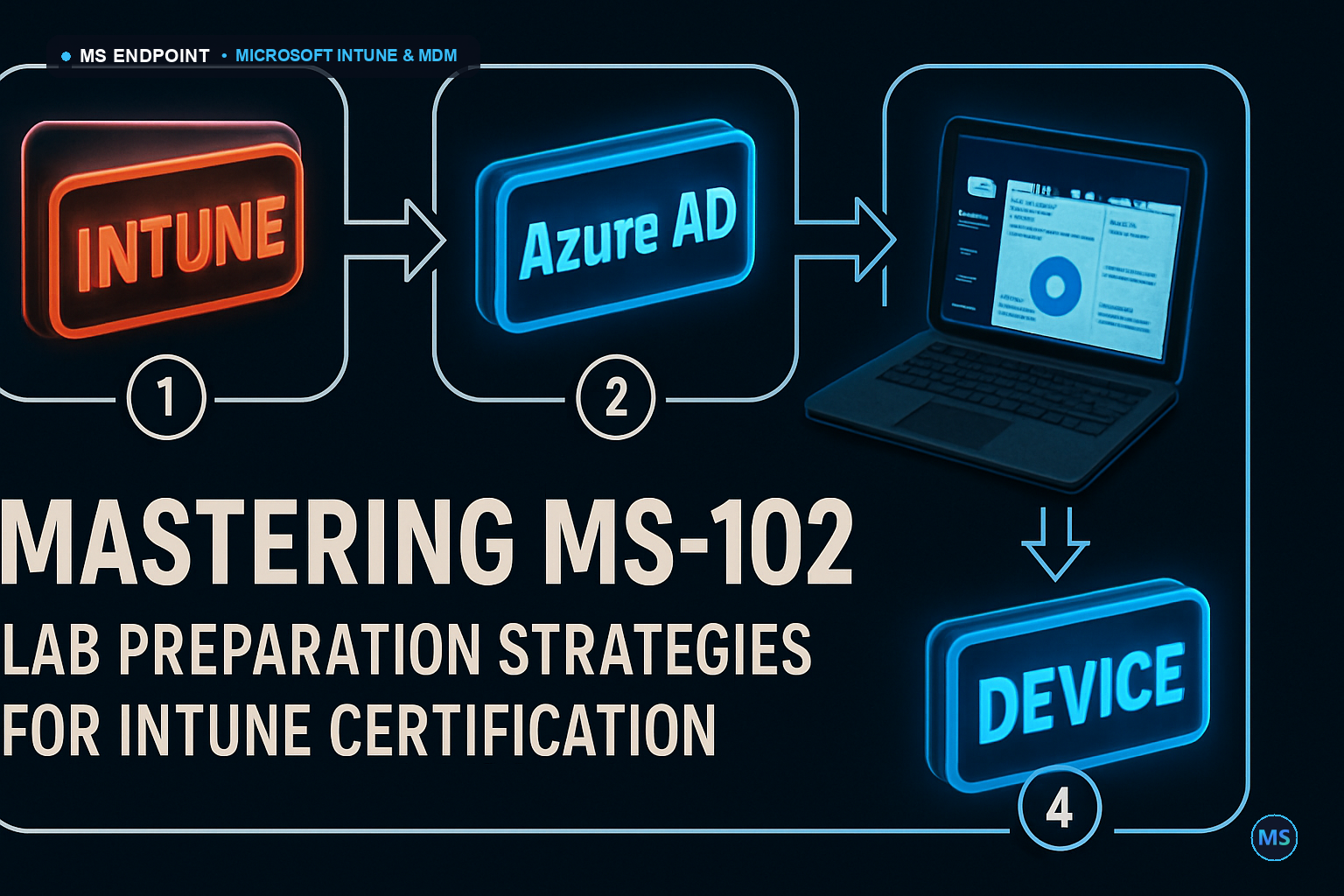
Figure: Data flow between Intune, Device, and Azure AD in an enterprise environment.
Enterprise Edge Cases & Scale Gotchas
Management at scale demands readiness for network instability, and extensive endpoint pools where Hybrid Entra Join surfaces its limitations. Conditional Access policies triggered during disputes between real-time Azure signals and slower SyncML updates can bottleneck processes, impacting device compliance checks. Below is a table of crucial configuration nodes to consider:
Automating Intune configurations efficiently through PowerShell is critical. Below is a script example utilizing Microsoft.Graph modules to authenticate and manage resources while meeting support and compliance requirements:
The interplay between Settings Catalog, Custom OMA-URI, versus Proactive Remediations hinges on Policy complexity and urgency. Use the Settings Catalog for straightforward configurations; opt for Custom OMA-URI when bespoke details are necessary. Proactive Remediations come into play for instant endpoint health verifications, an invaluable aspect during exam scenarios as larger deployments may bottleneck during peak times.
Was this article helpful?
🎯
MSEndpoint Academy
Assess Your Microsoft 365 & Intune Skills (MD-102)
100% Free • 5 Min
Applying this guide in production? Test your technical readiness against real exam scenarios from Microsoft 365 Certified: Endpoint Administrator (MD-102). Identify your strengths and knowledge gaps instantly.
💡 Express Knowledge CheckQuestion 1 of 10
Which official utility is required to convert a Win32 application installer (.exe) into the package format (.intunewin) for deployment via Microsoft Intune?
Souhaiel Morhag is a Microsoft Intune and endpoint management specialist with hands-on experience deploying and securing enterprise environments across Microsoft 365. He founded MSEndpoint.com to share practical, real-world guides for IT admins navigating Microsoft technologies — and built the MSEndpoint Academy at app.msendpoint.com/academy, a dedicated learning platform for professionals preparing for the MD-102 (Microsoft 365 Endpoint Administrator) certification. Through in-depth articles and AI-powered practice exams, Souhaiel helps IT teams move faster and certify with confidence.